Guest payments

Guest payments for your property

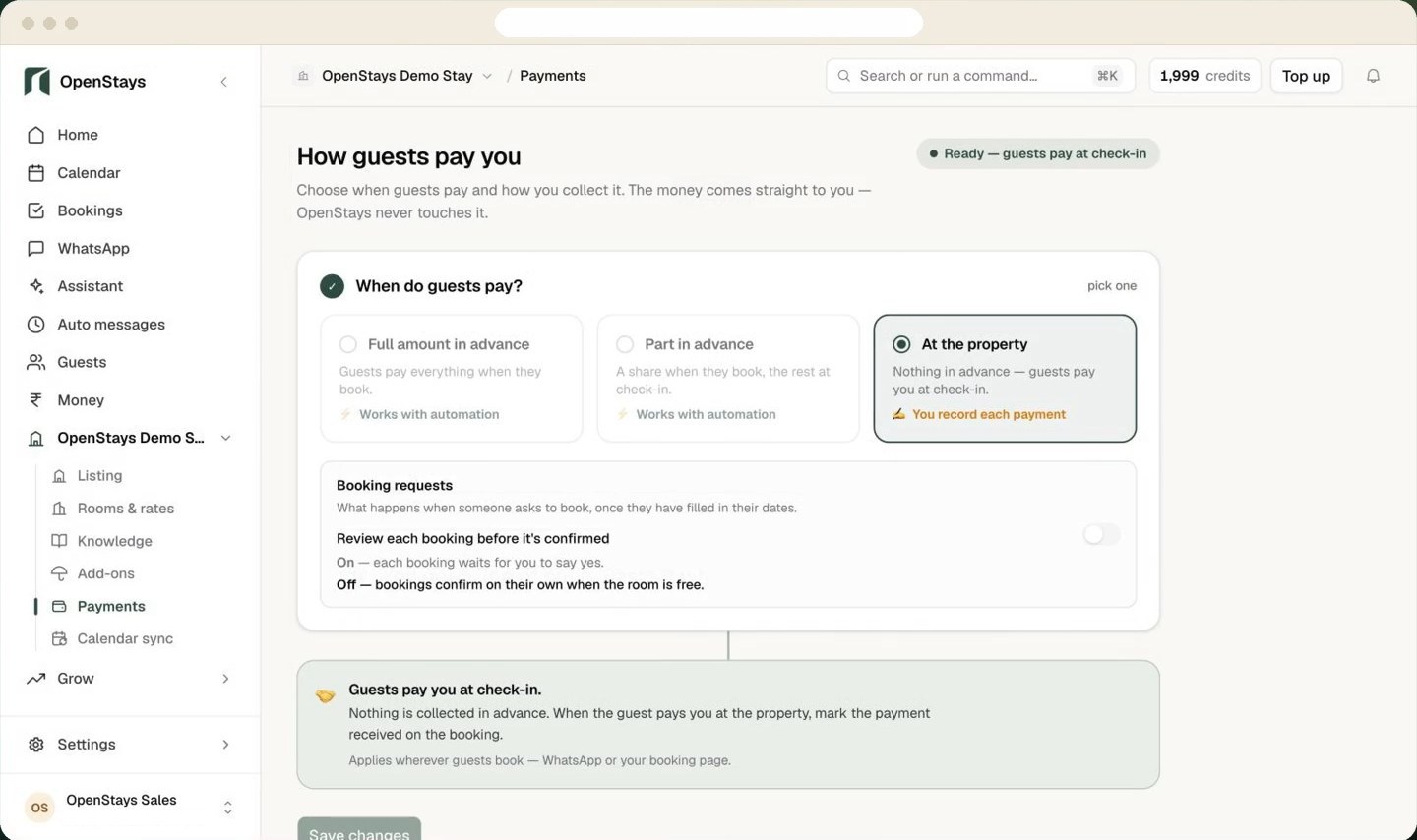
Collect an advance, take full payment upfront or let guests pay at the property. Payments go straight to you.

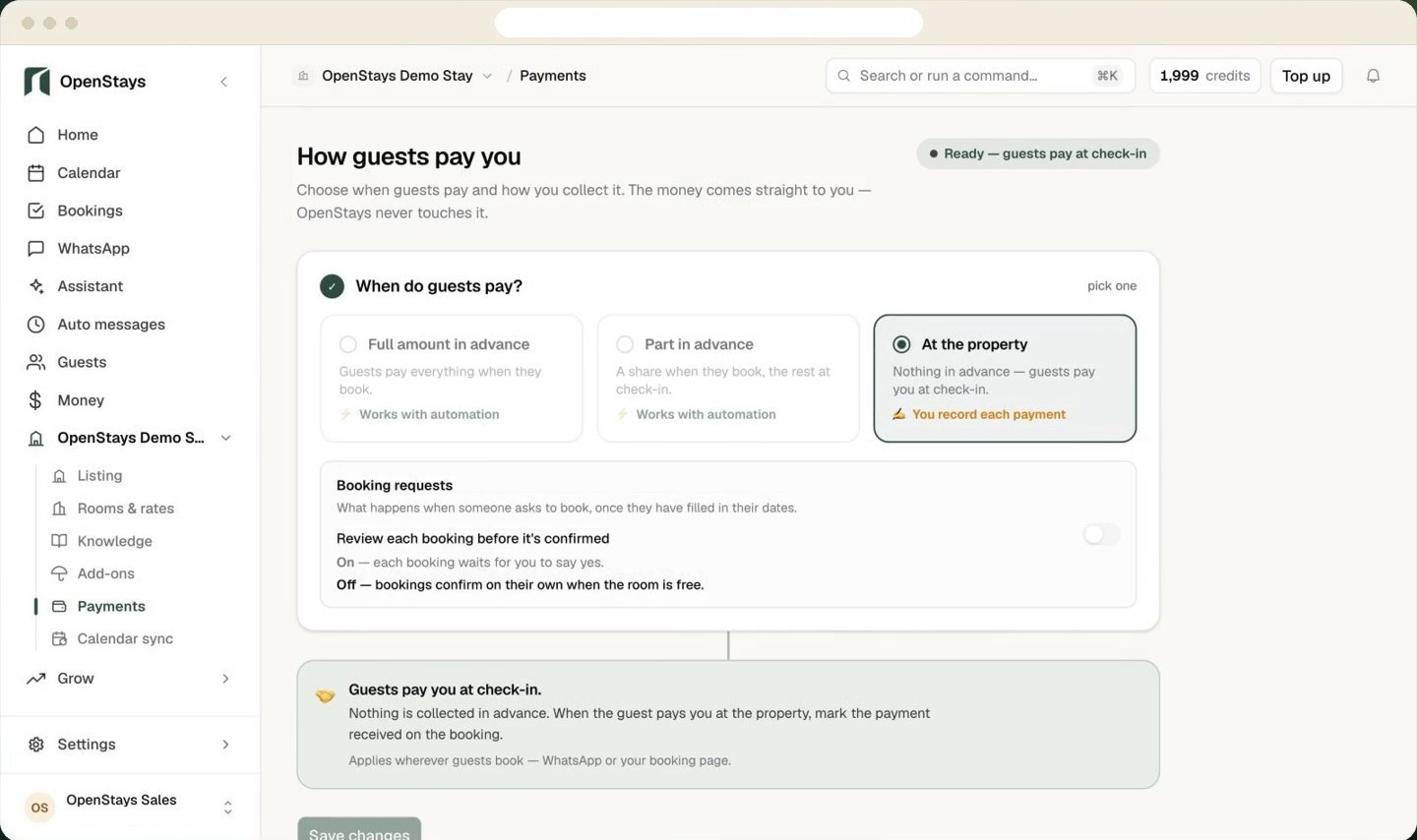
The OpenStays Payments screen where a property chooses when guests pay: in full, part in advance or at the property
Where is your property?

Payment options in India

Online payments with Razorpay

Guests can pay by card, UPI or netbanking where enabled. A successful online payment can confirm the booking automatically.

See Razorpay integration →

Direct bank payment via UPI

UPI lets guests in India pay using a bank or payment app. They send the payment to your UPI ID. You verify that it arrived before confirming the booking.

See direct UPI setup →

Pay at the property

Let guests pay when they arrive or during their stay. Tell them when payment is due in your booking policy.

Payment options in the United States

Card payments with Stripe

Accept online credit and debit card payments through your Stripe account. A successful payment can confirm the booking automatically when configured.

Pay at the property

Let guests pay when they arrive or during their stay. Tell them when payment is due in your booking policy.

Payment options outside India and the US

Online payments with Stripe

If Stripe supports your country and business account, you can connect it to take online payments. Available payment methods and payout currencies depend on your Stripe account.

See supported Stripe countries →

Pay at the property

Let guests pay when they arrive or during their stay. Tell them when payment is due in your booking policy.

OpenStays charges 0% booking commission. Processing fees and payout schedules follow your payment provider.

How guests pay when they book

Guests see what is due

Choose full payment, an advance payment or payment at the property. Guests see the amount due before they book.

Guests choose how to pay

The booking page shows the payment options you have enabled.

The reservation is confirmed

Successful online payments can confirm automatically. For manual payments, confirm once you verify receipt.

See the direct booking flow →

WhatsApp Us