
In use
See it on real properties.
“OpenStays has made it easy for me to take direct bookings and store guest ID.”
Built by property owners for property owners
Ready to make your stay bookable?
STAY QUOTATIONS
Send a clear quote.
Give guests the details.
Prepare room quotations for hotels, homestays, villas and resorts. Choose the guest, stay dates and rooms then send the offer on WhatsApp or email.
See quotations and invoices in action
A short walkthrough: send a quotation on WhatsApp or email, track it, then bill from the booking.
PREPARE THE STAY OFFER
Bring the guest, dates and rooms together.
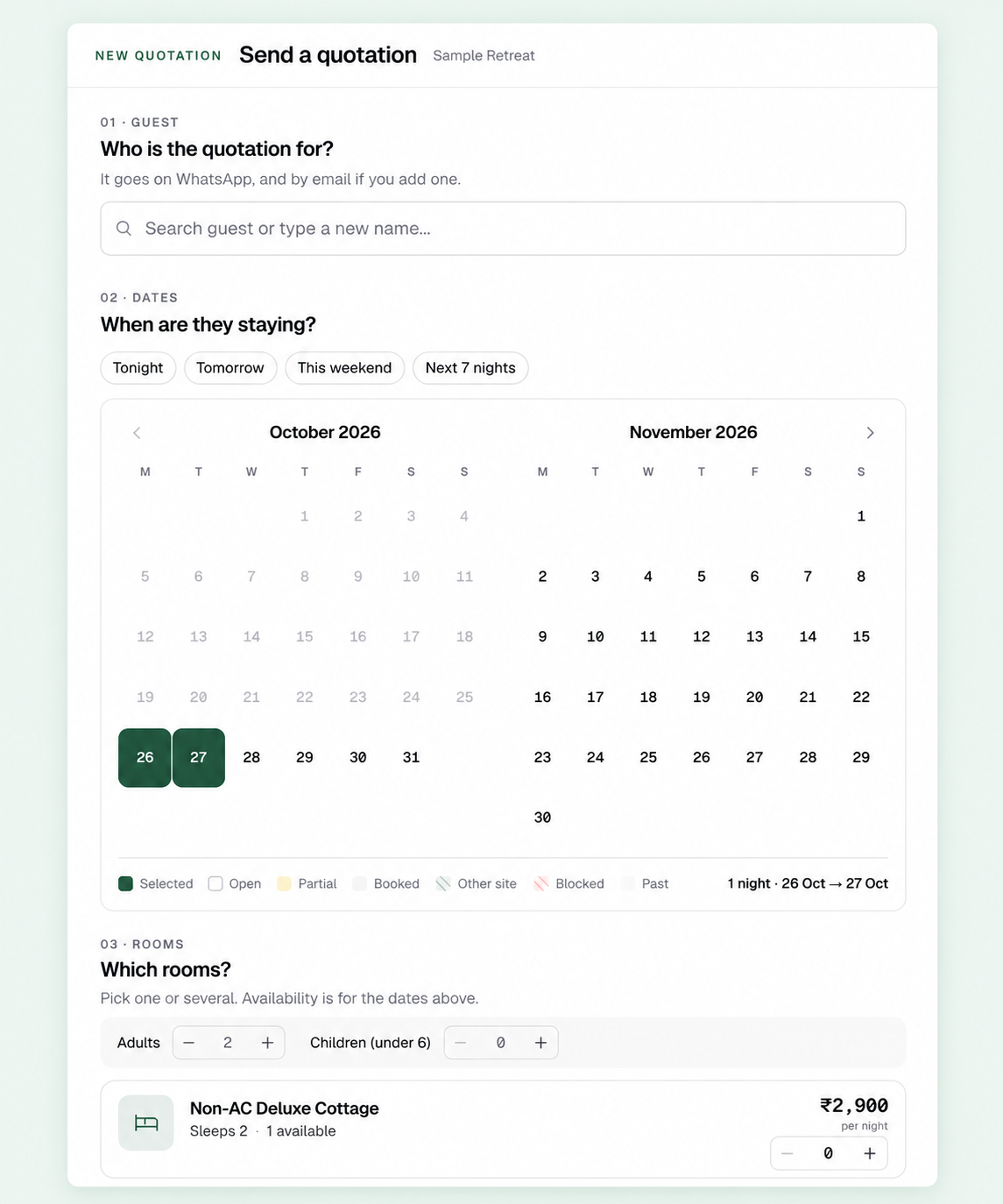
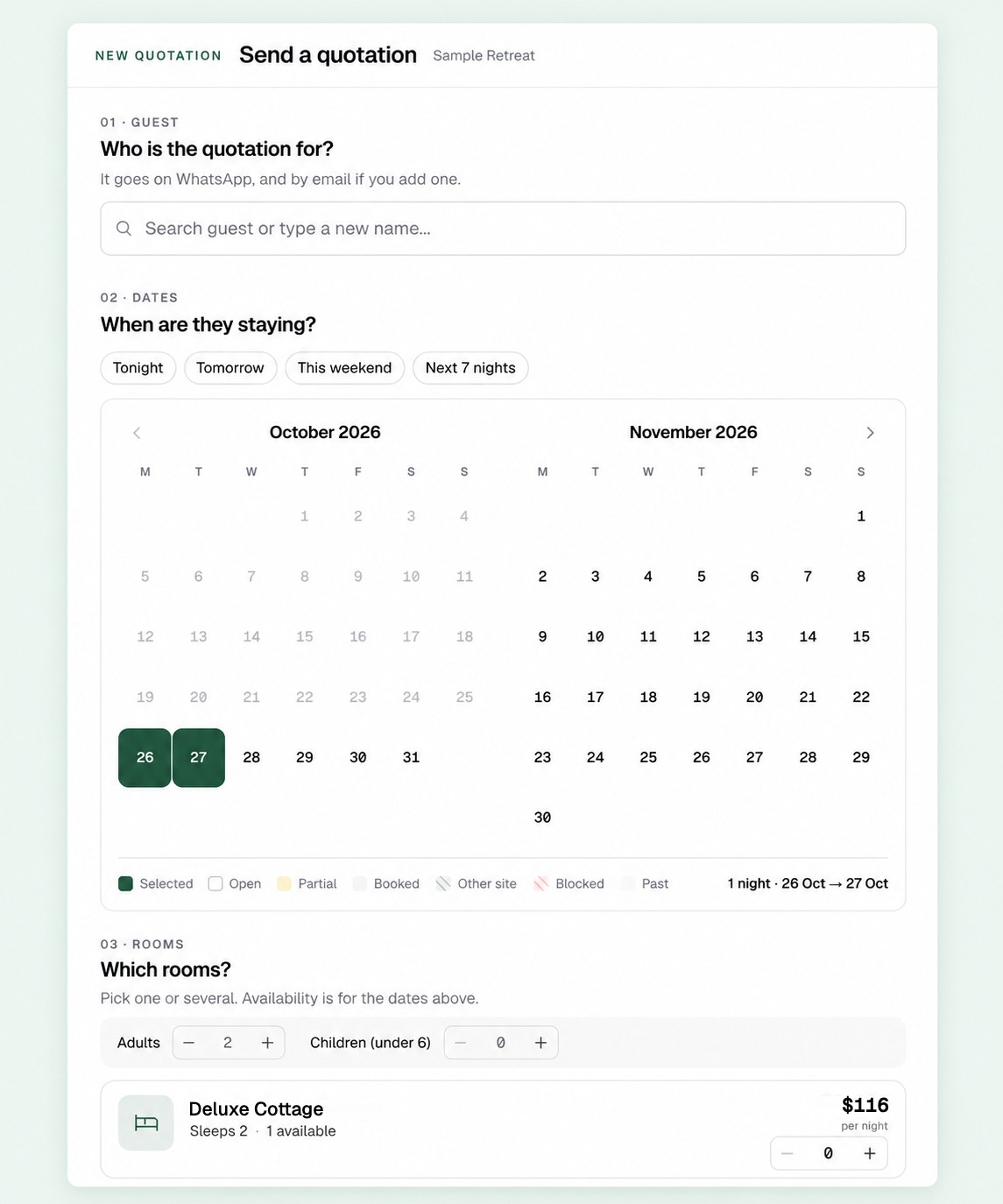
An enquiry may arrive by phone, on your website or in a WhatsApp conversation. Prepare a quotation from the same property information you use to manage your rooms rather than assembling the details in a separate document.
Choose the guest
Find an existing guest or enter a new name for the quotation. Keep the offer addressed to the person making the enquiry.
Select the stay dates
Choose check-in and check-out dates in the calendar. Shortcuts for tonight, tomorrow or the weekend help with common enquiries.
Pick the rooms
Set the guest count and choose one or more rooms. The room selector shows availability for the dates you have selected.
SEND THE QUOTATION
Use the channel your guest checks.
Send on WhatsApp
Send the prepared stay quotation through WhatsApp so the guest can review the offer in the conversation they already use.
Outgoing WhatsApp messages use credits. OpenStays cannot send the quotation on WhatsApp when your credit balance is zero.
Add email too
Add the guest’s email address if you want the quotation sent by email as well. This gives the guest another place to find the proposed stay details.
Review the recipient, dates and room selection before sending the offer.
What the guest receives
A stay offer puts the dates, room and price in one place so the guest can review the proposal.
Stay quotation for Taylor Morgan
- Dates
- 12 to 14 June · 2 nights
- Room
- Garden room · 2 guests
- Quoted total
- USD 240
KEEP TRACK OF YOUR OFFERS
Find the quotation you need.
The quotation area separates offers into Open, Booked and Expired views. Use the relevant view to review enquiries without searching through every guest conversation.
Open
Offers to review
Find quotations that remain open so your team can review the offer alongside the guest enquiry.
Booked
Offers linked to stays
Use the Booked view when reviewing quotations associated with bookings.
Expired
Past offers
Keep expired quotations separate from the offers your team is currently reviewing.
THE NEXT PART OF THE STAY
Quotations before the stay. Invoices for the bill.
A quotation presents the proposed accommodation and price. Once you are managing the booking, the invoice records its charges and payments. Keep these jobs distinct while using the same OpenStays account.
Stay quotation questions
What is stay quotation software?
It helps a property prepare a proposed stay offer using the guest, stay dates and rooms. OpenStays lets hotels, homestays, villas and resorts prepare quotations and send them on WhatsApp or email.
Can I prepare a quotation for a new guest?
Yes. The quotation form lets you find an existing guest or enter a new guest name. You can prepare an offer for someone making an enquiry.
Can I include more than one room?
Yes. Select one or more rooms for the dates and guest count in the quotation. Availability is shown for the dates you choose.
Does the room selector show availability?
Yes. The quotation form shows room availability for the selected stay dates. Review the dates and room selection before sending.
Can I send a quotation on both WhatsApp and email?
Yes. Send the quotation on WhatsApp and add an email address if you want it sent by email too.
Do WhatsApp quotations use credits?
Yes. Outgoing WhatsApp messages use prepaid credits. When the balance is zero, OpenStays cannot send outgoing WhatsApp messages, including quotations. Top up to resume sending.
Where can I find earlier quotations?
Use the Open, Booked and Expired views in the quotation area to find and review your offers.
Is a quotation the same as an invoice?
No. A quotation sets out the proposed stay and price. An invoice records the booking’s charges and payments. OpenStays provides a separate invoicing workflow for invoices with or without tax.
Prepare your next stay quotation.
Create your OpenStays account and bring guest details, dates and room choices into one quotation flow.