
DIRECT BOOKINGS. CONVERSATIONAL AI.
Maximum revenue.
Minimum effort.
Take direct bookings, manage availability and receive guest payments. Automate routine guest enquiries and follow-ups.
Built by Property Owners for Property Owners
Your property
OpenStays assistant · online
Hi! Is a double room available for 2 adults from 14 to 16 November?
Yes, a double room is available for those dates with breakfast included. Use the link below to review the total and book.
DIRECT BOOKING
14 to 16 November · 2 adults
Review room and total →
RECOGNITION
✦ KARNATAKA TOURISM AWARDS 2026
Best Tourism Startup →
✦ FKCCI · 2026
Tourism Innovation Award →
FROM A PROPERTY OWNER
“OpenStays has made it easy for me to take direct bookings and store guest ID.”
Mahesh Chadaga
Owner of Mahua Stays



END TO END RESERVATIONS
Complete technology infrastructure layer
From enquiry to reviews. Every guest communication in between.
Booking engine
Booking engine is the core of your reservation system. You can make configurations in the dashboard, embed it in your website or simply share the booking link. Explore the booking engine →
Conversational replies
Conversational AI handles replies, quotes and follow-ups using your property’s availability, rates and policies. Keep using your WhatsApp Business app with eligible coexistence. See how it works →
AI agent bookings
Support guests using AI assistants through your website’s booking engine and OpenStays.in. Booking choices follow your availability, rates and policies. Explore AI agent bookings →
HOW IT WORKS
Setup to checkout
STEP 01
Onboard your property
Add your property details, room types and photos. Review the listing before sharing it with guests.
STEP 02
Share your booking link
Put the booking link where guests find you, including your website and social profiles.
STEP 03
Choose how you confirm
Set your payment options and booking rules. Choose automatic confirmation through a supported gateway or manual confirmation after verifying payment.
THE OWNER VIEW
Everything for bookings
Keep your reservation work together, from setting rates to collecting guest details.
Booking management
Adjust seasonal rates and room availability. Keep phone and walk-in reservations alongside online bookings.
Flexible payments
Choose full payment, a part advance or pay at property. Verify direct UPI receipts or use a supported gateway.
Guest records
Collect guest ID details through WhatsApp. Use Form C flags and register exports while handling required checks and submissions.
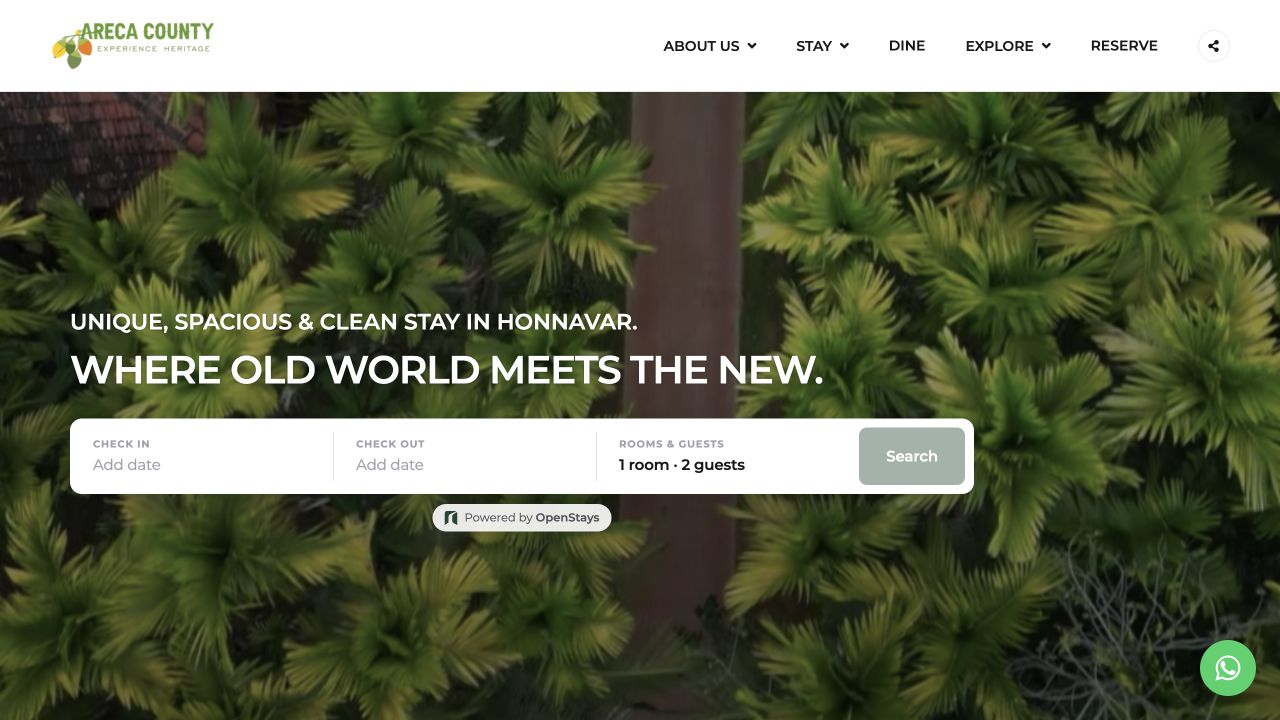
BOOKINGS ON YOUR WEBSITE
Areca County
Honavar, Karnataka
Areca County uses OpenStays on its own website so guests can choose dates and start a direct booking.
Also using OpenStays:
Compare your options
You can use OpenStays alongside OTA listings. Compare what you pay for and who handles the daily work.
Swipe to compare all four options →
| What to compare | OpenStays | OTAs | Other software | Do it yourself |
|---|---|---|---|---|
| Booking commission | 0% to OpenStays | Commission under your OTA agreement | May apply depending on the product | No platform commission on direct bookings |
| Ongoing costs | Annual subscription plus usage charges | Commission plus any additional platform charges | Subscription, modules and add-ons vary | Website, payment tools and your time |
| Where guests book | Your website widget or listing on OpenStays.in | The OTA’s website or app | A booking engine if included | Your website, phone or messages |
| Enquiries and follow-ups | WhatsApp AI using your property details. Credits apply. | Platform messaging and available automation | Messaging tools or add-ons if included | You reply and follow up |
| Availability and rates | Direct booking calendar, rate plans and periodic iCal sync | Maintain the OTA listing or connect compatible software | Calendar and channel modules vary | You update each calendar and rate |
| Guest ID records | ID collection, Form C flags and register exports | Collection and access depend on the platform | ID tools and exports if included | You collect and maintain records |
| Guest payments | Direct UPI with manual verification or a supported gateway | Collection and payouts follow OTA terms | Payment providers and confirmation options vary | You arrange collection and verify receipt |
| Setup and daily work | Configure rooms, rates, payments and booking rules | Maintain listings, offers and guest service | Configure the software and its integrations | Connect and maintain each tool yourself |
Features and fees vary by provider and plan. Payment-provider fees and taxes may apply. iCal shares blocked dates periodically, does not sync rates and can allow booking conflicts during refresh delays. Your property handles guest ID verification and required submissions.
COMMISSION EXAMPLE
₹20 lakh in room revenue 20% OTA commission ₹4,00,000
Illustrative only. OTA fees vary. OpenStays subscription and usage charges are separate. Payment-provider fees and applicable taxes are additional. Savings are not guaranteed.
Questions, answered
How will guests find and book my property?
Guests can book through the widget on your website or your listing page on OpenStays.in. Share your booking link on WhatsApp, social profiles and other marketing channels. Supported AI assistants can also use the booking engine. Visibility depends on your marketing and the channels guests use. OpenStays does not guarantee enquiries or bookings.
Do I need my own website?
No. You can use your listing page on OpenStays.in. If you have a website, embed the booking widget so guests can book there. Explore the direct booking engine.
Can I keep using my WhatsApp Business app?
Yes, with eligible WhatsApp coexistence you can keep using your WhatsApp Business app on the same number while OpenStays handles configured AI replies and guest messages. Check the coexistence requirements before connecting your account.
How is OpenStays priced?
OpenStays charges an annual software subscription with 0% booking commission. Optional usage charges, payment-provider fees and applicable taxes are separate. See the current plans and billing terms or contact our team about renewal conditions.
How are guest payments handled?
Choose direct UPI with manual verification or a supported gateway such as Razorpay for automatic confirmation after successful payment. You can collect full payment, an advance or payment at the property. Gateway fees and settlement terms apply. Your property issues accommodation invoices to guests.
What happens when WhatsApp credits run out?
OpenStays cannot send outgoing WhatsApp messages when your balance reaches zero. This includes AI replies and automated guest messages. Top up to resume sending. Each outgoing message uses 1 credit. Incoming messages do not use credits and purchased credits never expire. An active subscription is required to use them.
Can I continue using other booking channels?
Yes. Use your direct booking page alongside other listings. You can add reservations manually and use compatible iCal calendar sync to share blocked dates. Sync is periodic, does not include room rates and cannot guarantee that conflicting bookings will never occur during refresh delays.
How long does setup take and what help is included?
An initial listing can take about 15 minutes when your property details are ready. Complete setup depends on your photos, room types, rates and integrations. Payment-provider verification is separate. Small and Medium plans include email support. Enterprise includes WhatsApp support and onboarding assistance. See plan details for support options. Review your checkout before sharing your listing.
FROM THE BLOG
Latest stories and insights
-
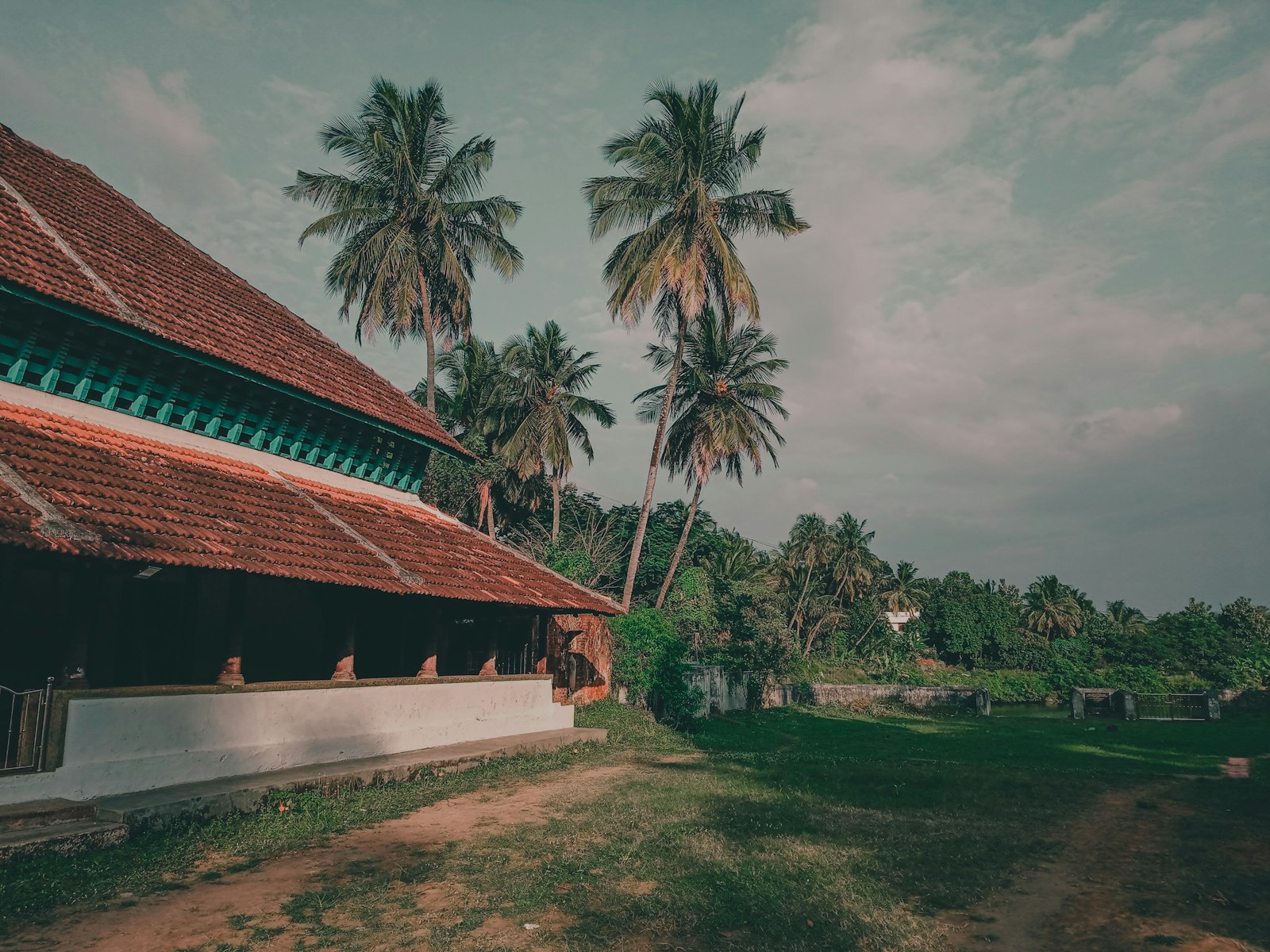
Homestay vs Hotel: What Guests Are Really Choosing Between
Homestay vs hotel is not a contest with a winner. They sell two different promises. Here is what guests are…
-
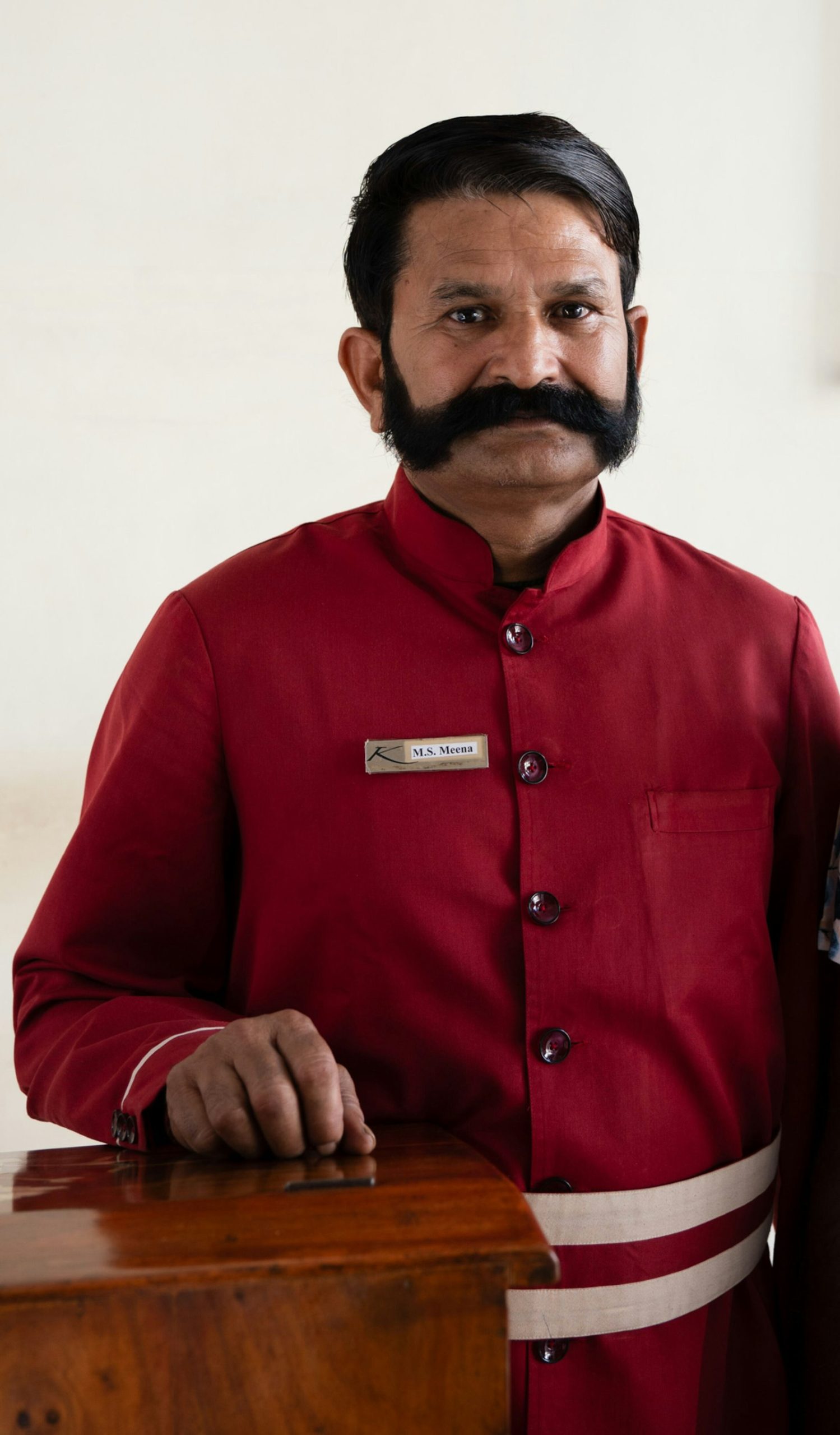
How Many Staff Does a Small Hotel Need in India?
How many staff does a small hotel need in India? Branded hotels run 1.5 per room, but a small property…
-

What Is a Good Occupancy Rate for a Hotel in India?
A good occupancy rate for a hotel in India depends on the property you run. The national average is 63…
Take bookings on your own terms.
Start with your rooms, rates and property details.